

core insights box
- eCommerce search autocomplete transforms user experience by offering instant, relevant product suggestions as shoppers type.
- By predicting customer needs with the help of partial search queries, autocomplete reduces search frustration and speeds up the path to purchase.
- Experro’s Gen AI-powered autocomplete delivers fast, accurate search results, enhancing user experience and driving conversions for your eCommerce store.
The search bar has come a long way from the clunky text boxes that required shoppers to type every letter perfectly.
What began decades ago as simple keyword matching is now fueled by AI that understands intent, context, and behavior. Today, autocomplete is less about finishing words and more about accelerating decisions, especially on mobile, where every tap counts!
As an entrepreneur or an eCommerce leader, this should be the "very first technology" to implement if you want to gain a competitive edge and turn search traffic into revenue faster.
Whether you call it autocomplete, autosuggest search, type-ahead, or search-as-you-type, it all boils down to one goal: making the path to purchase as short as possible.
So, let’s dive into the details of modern eCommerce search autocomplete and how anticipating what users want can slash bounce rates and make shopping effortless.
What is eCommerce Search Autocomplete?
eCommerce search autocomplete is a website feature that dynamically suggests relevant search terms, categories, or products in real time as a user types in the search bar, helping them find items faster and with less typing.
This feature uses AI and predictive search to reduce the effort needed to find products and improve the shopping experience.
Instead of typing full product names or guessing the right keywords, users are guided by instant suggestions that match popular searches and available inventory. A search bar with autocomplete displays intelligent, real-time recommendations that adapt to user intent and behavior.
Advanced autocomplete search software such as Experro uses AI-driven insights to surface relevant products, categories, and queries as users type. This allows shoppers to navigate large product catalogs with ease, reach accurate results faster, and significantly reduce search errors.
How Autocomplete Search for Ecommerce Works?
Before we jump into the mechanics of autocomplete, let’s zoom out and look at the bigger picture of eCommerce search and how shoppers use it to discover products. This guide covers the basics if you’re just starting out!
Now, let’s take a closer look at what happens behind the scenes of autocomplete search. As soon as a user begins typing, the system instantly analyzes multiple signals at once. It evaluates partial keywords, past search patterns, popular queries, and real-time trends to predict what the shopper is most likely looking for.
Let's dive deep:
- Data collection: The autocomplete search system pulls data from product catalogs, search history, user behavior, and popular queries to understand what shoppers commonly look for.
- Real-time input analysis: As users type, the system instantly reads each character, handles spelling mistakes, and recognizes related terms or product names.
- Smart matching: The typed input is matched with relevant products, categories, brands, and trending searches, not just exact keywords.
- Relevance ranking: Suggestions are driven by search personalization, factoring in popularity, availability, past purchases, customer interests, conversions, and business rules to present the most relevant results to each shopper.
- Instant display: The most relevant suggestions are shown immediately and updated with every keystroke to guide shoppers faster.
What’s the Difference Between Predictive Search, Typeahead, Autosuggest, and Autocomplete?
Certain search terms may sound alike but serve different purposes. Understanding these differences helps in selecting the right search functionality for your eCommerce store.
Below, we break down the distinctions between predictive search, typeahead, autosuggest, and autocomplete.
1. Predictive Search vs Autocomplete
Feature | Description | Example |
|---|---|---|
Predictive Search | Uses AI to predict what the user is likely to search for based on trends, past behavior, and popular queries. | A user types “Nike,” and the search suggests “Nike running shoes” based on trending searches. |
Autocomplete | Suggests possible query completions based on the characters a user types, helping them finish their search faster. | A user types “snea”, and the search suggests “sneakers” to complete the query. |
2. Typeahead vs Autocomplete
| Feature | Description | Example |
|---|---|---|
| Typeahead | Displays matching results dynamically as the user types, without necessarily completing the query. | A user types “leath”, and the menu dropdrown shows "leather jackets", "leather boots", etc. |
| Autocomplete | Suggests the closest possible search term based on input, helping users complete their queries faster. | A user types “leath", text in the search bar automatically completes to "leather". |
3. Autosuggest vs Autocomplete
| Feature | Description | Example |
|---|---|---|
| Autosuggest | Offers related search suggestions beyond the exact match to help users explore more options. | A user types "coff", and suggestions like "coffee beans", "coffee grinders", or "Starbucks" appears. |
| Autocomplete | Predicts and completes the search query to match an exact term. | A user types "coff" and it suggests "coffee" as a complete term. |
What Are the Benefits of eCommerce Search Autocomplete?
A well-implemented search autocomplete helps customers find what they need faster while exposing them to more products.
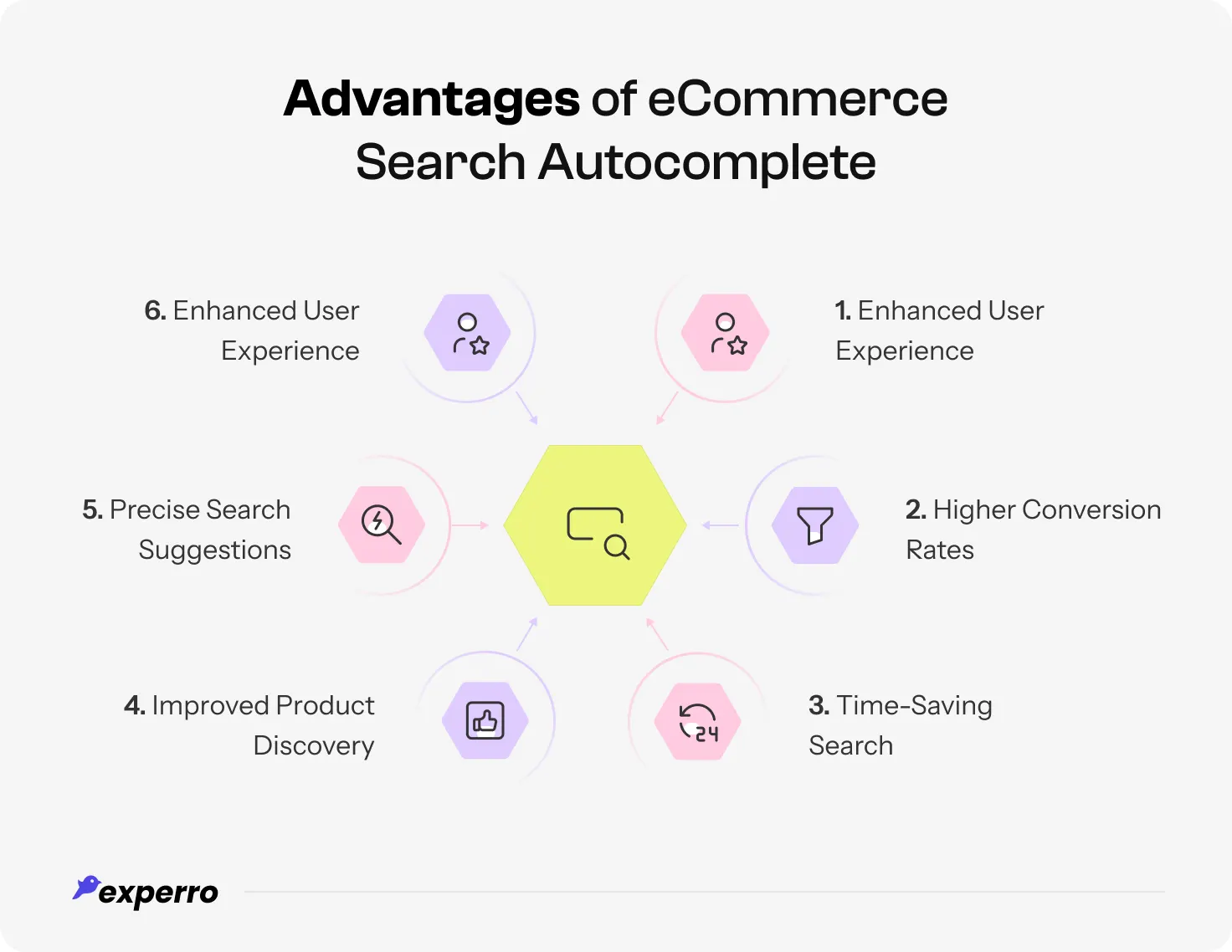
Let’s explore its key benefits:
1. Enhanced User Experience
A smooth shopping experience keeps customers coming back. Autocomplete reduces the effort needed to search by offering instant profile-based suggestions, even when queries are misspelled or incomplete.
This minimizes frustration and ensures shoppers get relevant results faster. With fewer dead ends, users enjoy a seamless and intuitive browsing journey.
2. Higher Conversion Rates
Shoppers abandon carts when they can’t find what they’re looking for. Autocomplete prevents this by guiding them to the right products in seconds.
Search with autocomplete, as part of effective cart abandonment recovery, ensures that shoppers don’t leave your eCommerce site out of frustration, but find exactly what they need to finalize their purchase.
3. Time-Saving Search
Customers don’t have time to scroll through irrelevant results pages. eComerce search autocomplete speeds up the process by predicting what customers need before they finish typing.
This means they spend less time searching and more time adding items to their cart. A fast and efficient eCommerce search box translates to improved customer satisfaction and repeat visits.
4. Improved Product Discovery
Many shoppers start with a vague idea of what they want. Autocomplete introduces them to new products, categories, and trending items they might not have considered.
Surfacing relevant options encourages exploration and boosts cross-sell and upsell opportunities. This not only enhances the shopping experience but also increases average order value.
5. Precise Search Suggestions
Customers often type incomplete or misspelled queries. AI-powered autocomplete, using fuzzy search, refines these inputs, offering highly relevant suggestions based on real-time data.
This ensures users always find what they’re looking for, even if they don’t know the exact product name. With better accuracy, frustration decreases, and engagement improves.
6. Continuous Engagement
Keeping visitors engaged is crucial for reducing bounce rates. Autocomplete search in eCommerce captures their intent early and keeps them browsing by offering dynamic, relevant suggestions.
The longer customers stay on your site, the more likely they are to explore and purchase. This feature transforms passive browsing into active shopping, boosting overall retention.
What Are the Types of Search Autocomplete in eCommerce?
Not all autocomplete systems work the same way. A well-optimized search autocomplete goes beyond basic suggestions to improve accuracy, enhance discovery, and refine user intent.
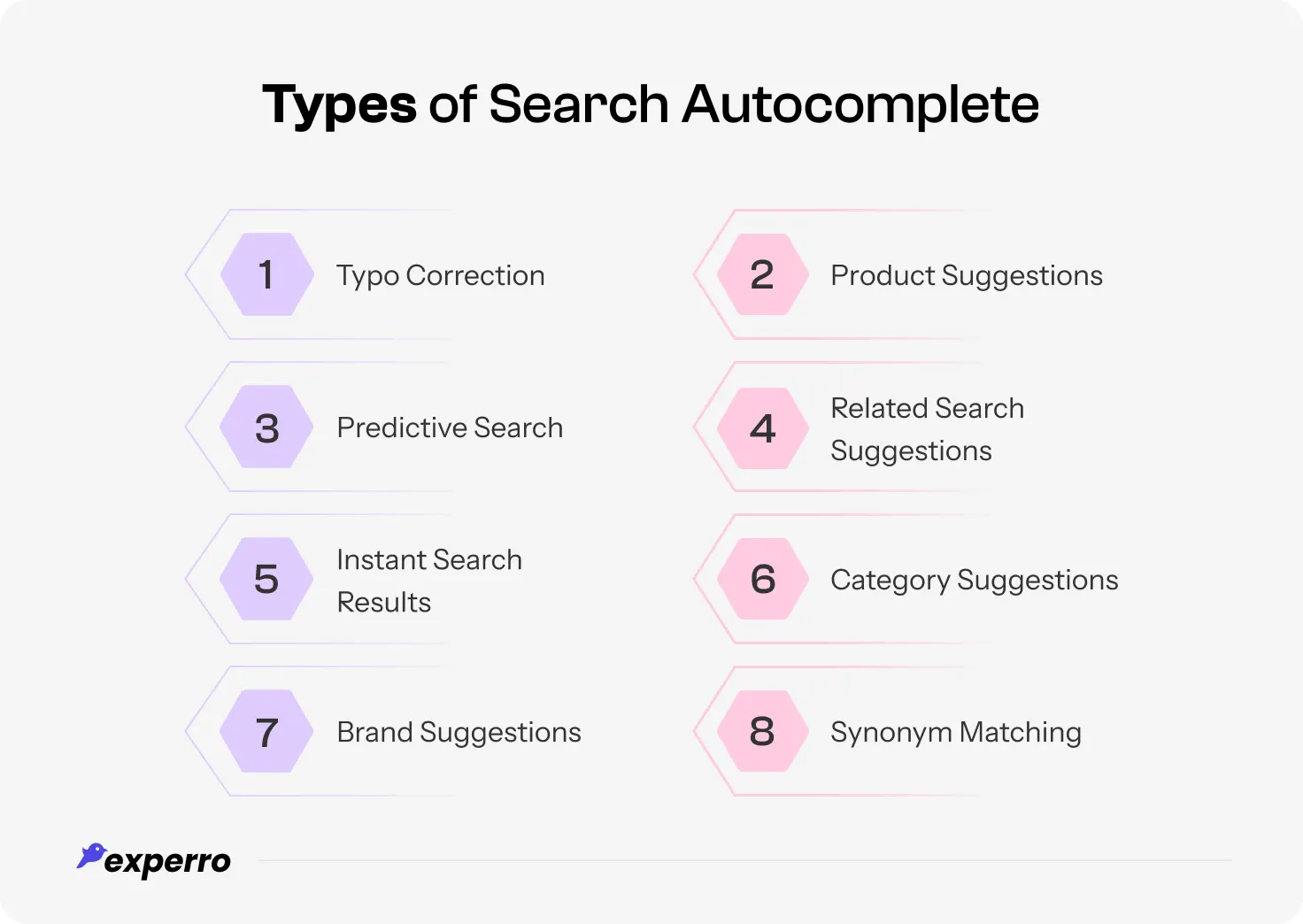
Here are the key search autocomplete types that can enhance the eCommerce search experience.
1. Typo Correction
Shoppers often mistype product names, leading to failed searches. With the help of semantic search, autocomplete corrects these mistakes instantly, ensuring users still find relevant results. This reduces frustration and keeps potential buyers engaged.
2. Product Suggestions
Instead of making users type full queries, merchandising autocomplete suggests relevant products as the user types. By surfacing best-selling or trending items, it simplifies decision-making and increases conversions.
3. Predictive Search
An AI-driven suggestive search box analyzes past behavior, popular queries, and user preferences to predict what shoppers seek. This proactive approach personalizes the experience and enhances engagement.
4. Related Search Suggestions
Sometimes, shoppers aren’t sure what to search for. Instead of limiting results to exact matches, autocomplete suggests related search terms using gen AI recommendations, helping users refine their queries and explore multiple options.
5. Instant Search Results
Real-time eCommerce autocomplete search functionality displays matching products immediately as users type. This speeds up product discovery, making the shopping journey seamless and efficient.
6. Category Suggestions
Rather than only listing individual products, autocomplete suggests relevant categories, helping shoppers navigate easily and find exactly what they need. This structured approach helps shoppers navigate easily and find exactly what they need.
7. Brand Suggestions
Autocomplete suggests brand names for shoppers loyal to specific brands based on their input. eCommerce filters improve the search experience and make it easier to find preferred products quickly.
8. Synonym Matching
Different users describe products differently. A smart typeahead system understands synonyms and alternative terms, ensuring no search query goes unanswered. This helps capture a broader range of customer searches.
Using the right autocomplete types improves search accuracy and boosts conversions.
Next, let’s explore best practices for optimizing autocomplete in eCommerce search.
What Are the Best Practices for eCommerce Search Autocomplete?
Implementing a well-optimized autocomplete system keeps users engaged and ensures they find what they need effortlessly.
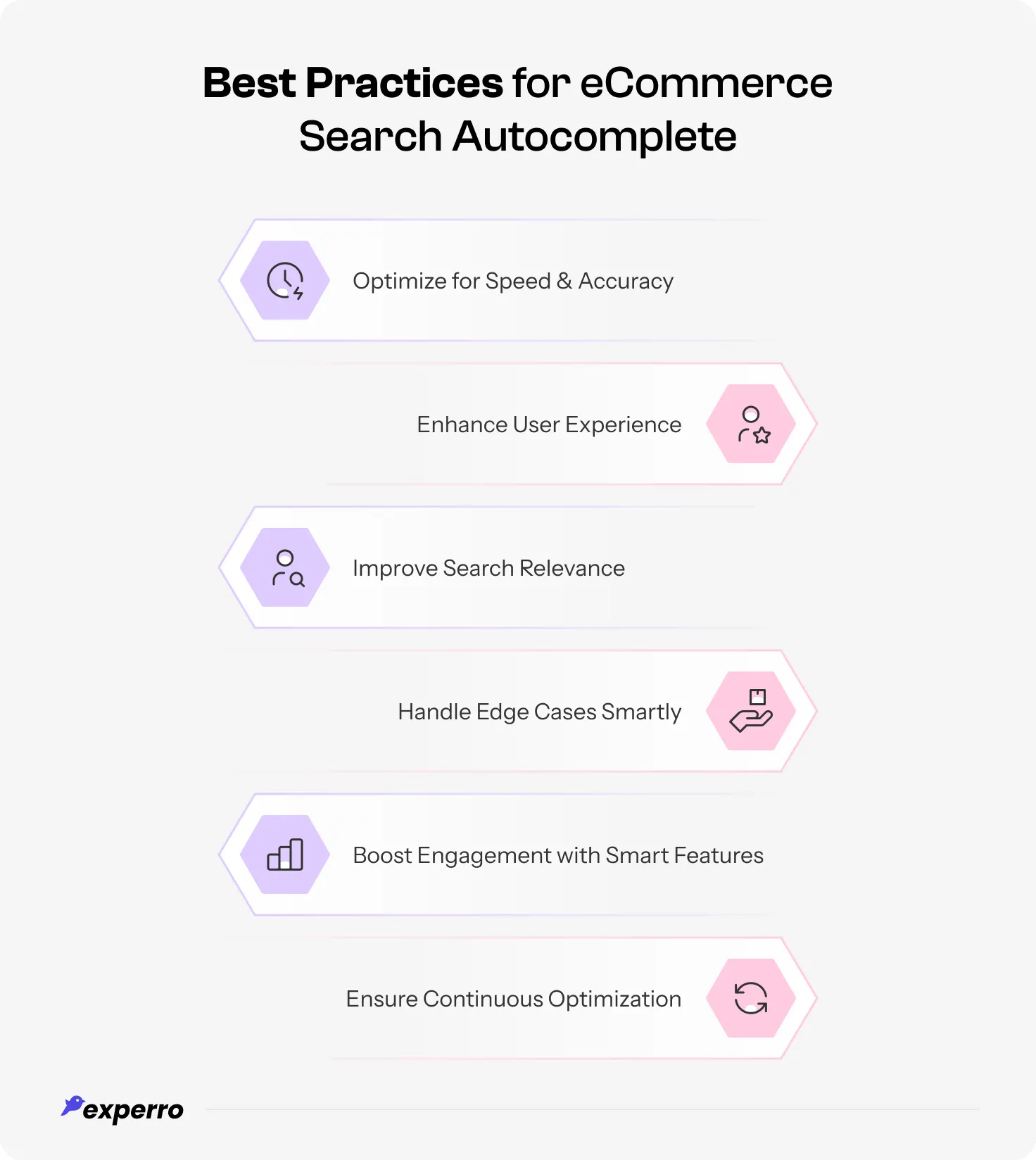
Here’s how to get it right.
1. Optimize for Speed and Accuracy
Autocomplete should work in real-time, offering suggestions the moment a user types. Delays or lag can frustrate shoppers and lead to lost sales.
Ensure your search engine autocomplete processes queries quickly while maintaining high accuracy. A balance between speed and precision keeps users engaged and leads to faster conversion rate optimization.
2. Enhance User Experience
A cluttered eCommerce search autocomplete dropdown list can confuse users instead of helping them. Keep the design simple, with clear fonts, proper spacing, and categorized under different suggestions (products, brands, categories).
A visually appealing and easy-to-navigate autocomplete keeps users focused and drives better interactions.
3. Improve Search Relevance
Showing irrelevant suggestions can drive users away. Use AI-powered algorithms to hyper-personalize autocomplete results based on past user behavior, trending searches, and real-time data.
Ensuring that users see the most relevant options increases engagement and conversion rates while reducing search abandonment.
4. Handle Edge Cases (Typos, Rare Queries & No Results) Smartly
Not every search will have a perfect match. Instead of displaying a “No results found” message, provide alternative suggestions, related categories, or popular searches.
Intelligent error handling, such as typo corrections and synonym recognition, ensures users always have a path forward rather than hitting a dead end.
5. Boost Engagement with Smart Features
Enhance interactivity by implementing features like dynamic ranking, recent searches, and gen AI-powered personalized recommendations.
Type-ahead search that adjusts as users type improves navigation and keeps them engaged. Smart eCommerce autocomplete feature doesn’t just complete queries, it guides users through an intuitive shopping process.
6. Ensure Continuous Optimization
User search behavior evolves, and so should your autocomplete strategy. Regularly analyze search logs, user interactions, and drop-off points to refine query suggestions.
A/B test different layouts and ranking strategies to see what works best. Ongoing optimization ensures your search experience remains effective and relevant.
A well-tuned search autocomplete improves product discovery and keeps users engaged.
But implementing it isn’t always seamless, let’s explore the challenges you might face while equipping search autocomplete functionality in your e-store.
What Are the Common Challenges in eCommerce Search Autocomplete (& their Solutions)?
While the search autocomplete can transform the shopping experience, implementing it effectively comes with challenges.
From data accuracy to performance speed, businesses must overcome several hurdles to ensure seamless functionality.
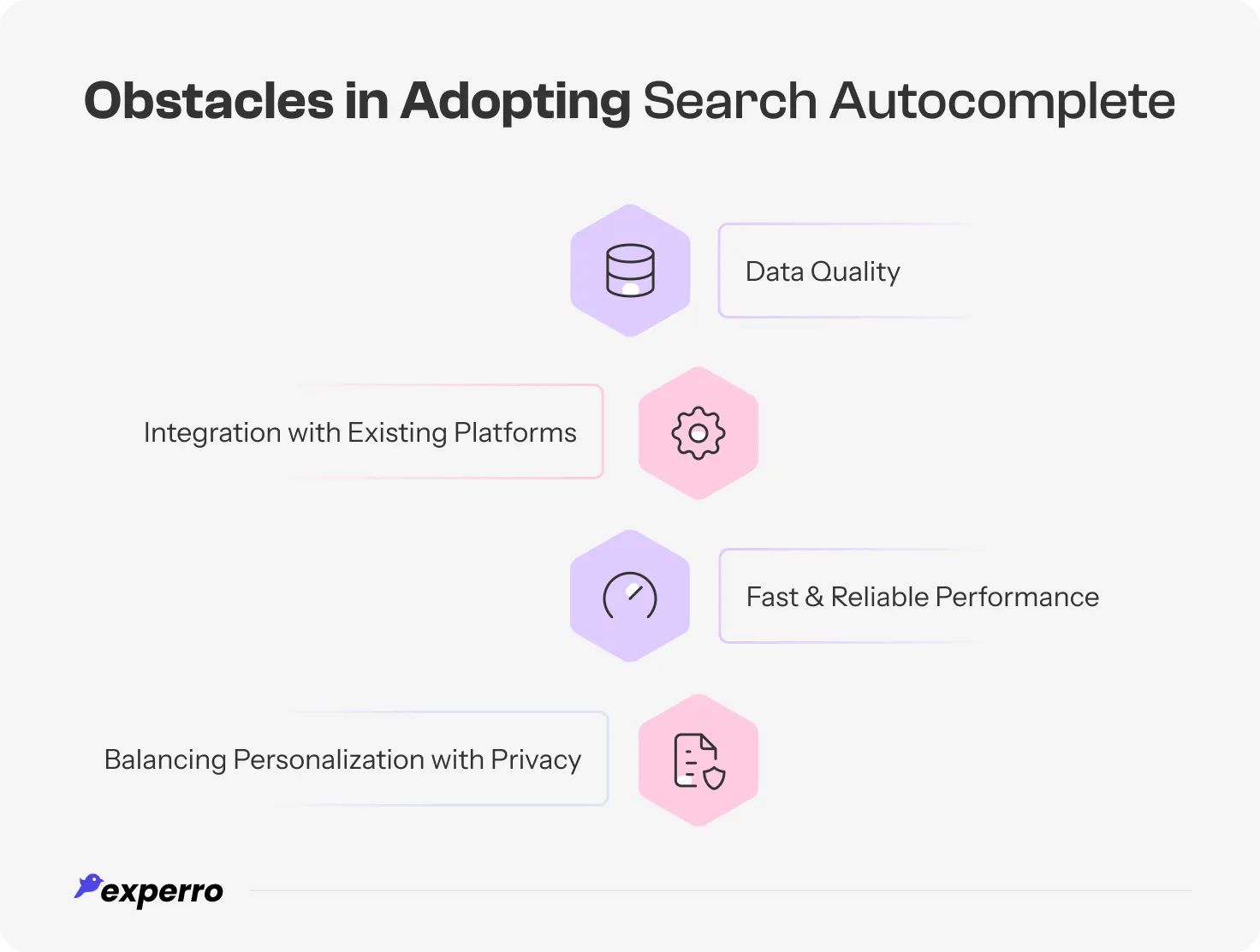
Let’s dive into the key obstacles and how they impact eCommerce.
1. Inaccurate Search Suggestions Due to Poor Data Quality
Autocomplete relies on clean and structured product data. The search suggestions become inaccurate or irrelevant if product names, detailed descriptions, or categories are inconsistent or outdated.
Poor data quality can lead to mismatched results, frustrating shoppers and lowering conversions. Regular data audits and AI-driven data enrichment can help maintain high-quality search results.
Experro’s AI-powered product enrichment software automatically standardizes, enhances, and enriches product data across catalogs, helping eCommerce brands deliver precise, relevant autocomplete suggestions that guide shoppers to the right products faster.
2. Complex Integration with Existing Platforms
Many eCommerce platforms use different architectures, making it challenging to integrate an advanced search autocomplete system.
Compatibility issues can slow down implementation or create inconsistent experiences across devices. A flexible, API-driven solution ensures smooth integration while maintaining fast and accurate search performance.
Experro provides smooth integration with leading eCommerce platforms, including Shopify, Magento, BigCommerce, and custom systems, enabling fast deployment of accurate and consistent search autocomplete without disrupting existing operations.
3. Slow Autocomplete Performance Hurts Conversions
Search autocomplete must deliver instant suggestions without lag. A slow type-ahead feature can frustrate users, leading to abandoned searches and lost sales.
High traffic spikes can also strain system performance, affecting response times. Leveraging cloud-based infrastructure and caching mechanisms helps maintain speed and reliability.
Experro’s high-performance infrastructure ensures lightning-fast autocomplete, even during peak traffic, keeping users engaged and conversions high.
4. Privacy Concerns with AI-Powered Personalization
AI-powered autocomplete enhances personalization, but it also raises privacy concerns. Businesses must find the right balance between leveraging user data for better autocomplete query suggestions and respecting data protection laws.
Transparent data policies, opt-in personalization settings, and anonymized search data can help build trust while ensuring compliance.
Experro prioritizes data privacy with transparent policies, and consent management to ensure compliance and user trust.
How Experro Can Help You Convert Faster with Search Autocomplete
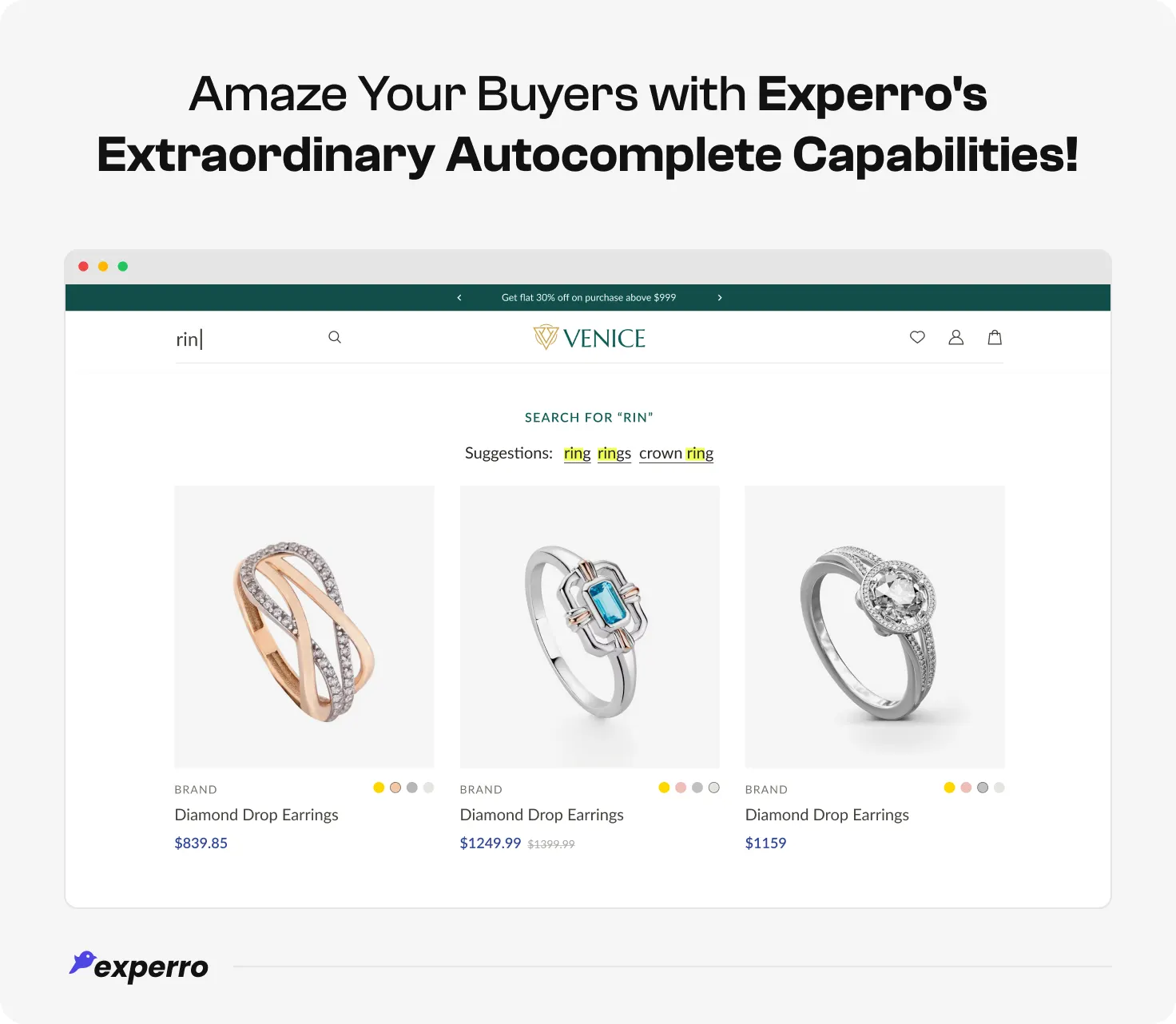
In the modern eCommerce landscape, the search bar is the direct gateway to your revenue, and Experro ensures that gateway remains wide open.
By leveraging advanced Gen AI and LLM-powered technology, Experro’s search solutions ensure that your site doesn't just react to queries, but anticipates them, building trust and loyalty with every keystroke.
This predictive intelligence shortens the customer journey by instantly surfacing high-relevance products, categories, and brands, effectively moving users from discovery to checkout in a fraction of the time.
If you're unsure how to implement autocomplete, Experro seamlessly integrates with your eCommerce store to optimize search and enhance user experience.
With typo tolerance, synonym recognition, and dynamic ranking, Experro refines search accuracy for your customer’s comfort.
Conclusion
In today’s "instant-access" economy, the search bar shouldn't just respond—it should anticipate. By turning every keystroke into a data-driven conversation, Experro’s autocomplete effectively reads the shopper's mind, transforming a blank box into a personalized recommendation.
This shift from reactive searching to proactive discovery is what separates modern market leaders from stagnant storefronts. When you eliminate the gap between a customer's thought and their checkout, you aren't just improving UX, you’re building a frictionless path to brand loyalty!
Elevate your site's search from a basic utility to a strategic asset that converts every millisecond of attention into a meaningful sale. Connect on a call with our experts today!
FAQs

Pallavi is an ambitious author recognized for her expertise in crafting compelling content across various domains. Beyond her professional pursuits, Pallavi is deeply passionate about continuous learning, often immersing herself in the latest industry trends. When not weaving words, she dedicates her time to mastering graphic design.
Subscribe to Our Newsletter!
Get the latest insights delivered straight to your inbox.